
Minecraft servers on your PC, without the config files.
Monolith sets up, runs, shares and backs up your servers from one small native Windows app. Go from install to a server your friends can join in about a minute.
Free and open source. Windows 10 or 11, 64-bit. No admin rights needed.
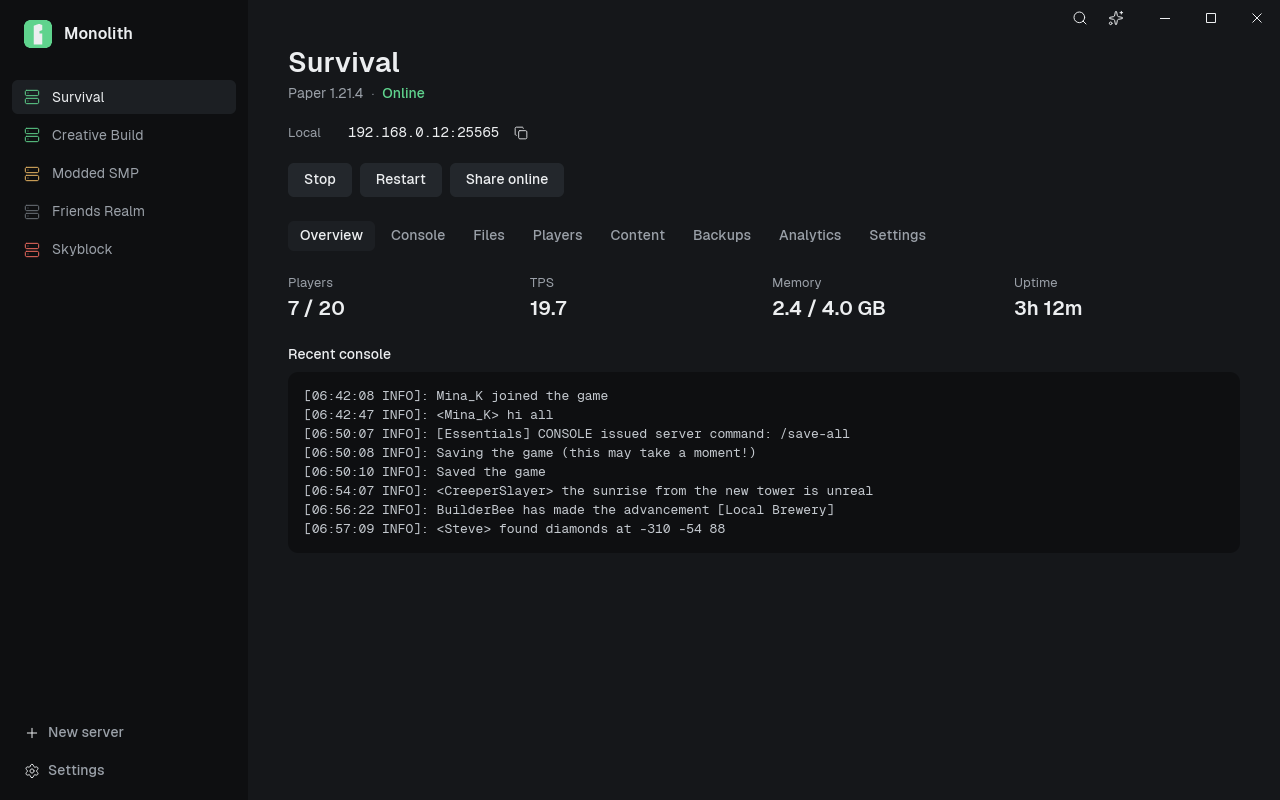
Pick a platform and press Start
Choose Paper, Purpur, Fabric or Vanilla and any Minecraft version, snapshots and pre-releases included. Monolith downloads the server jar and the right Java runtime for you.
Already have a server folder or an export zip? Import it instead.
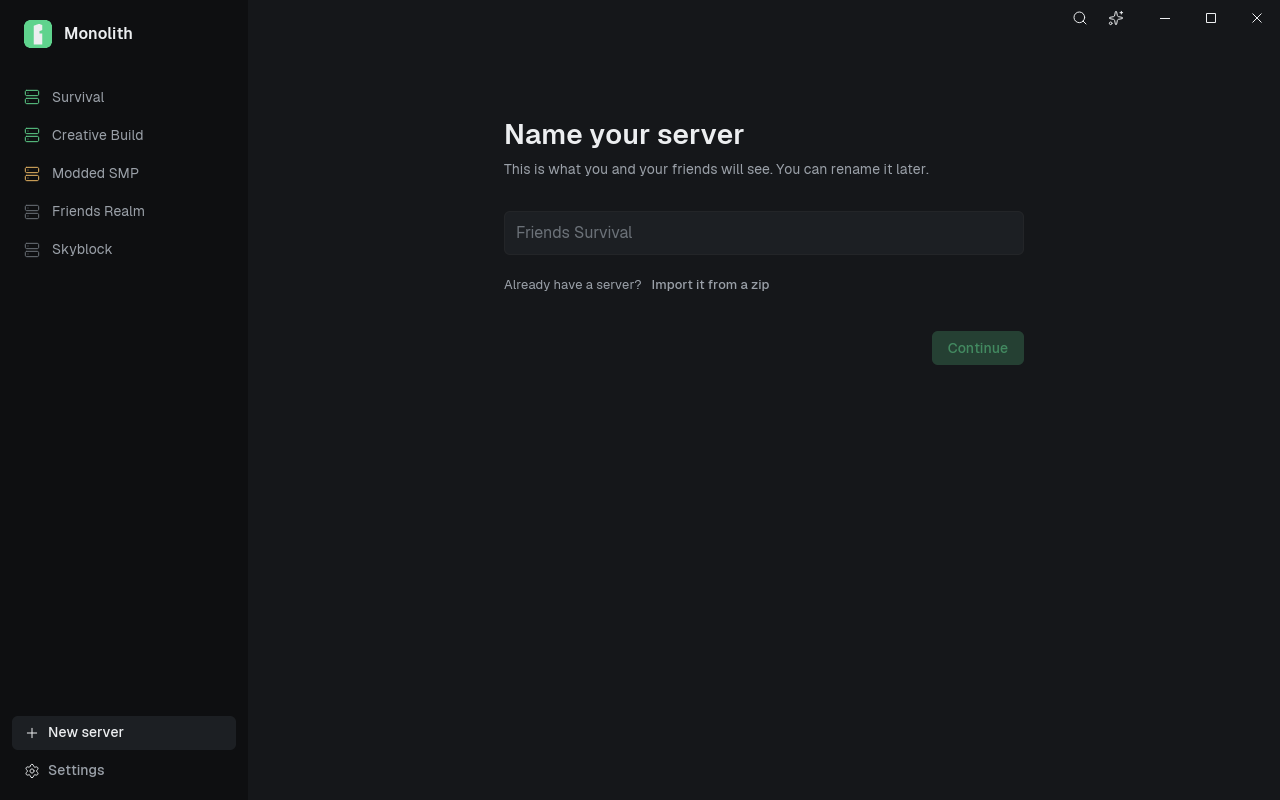
Know who's playing
See everyone online and kick, ban or make someone an operator in one click. The whitelist and ban list live on the same page.
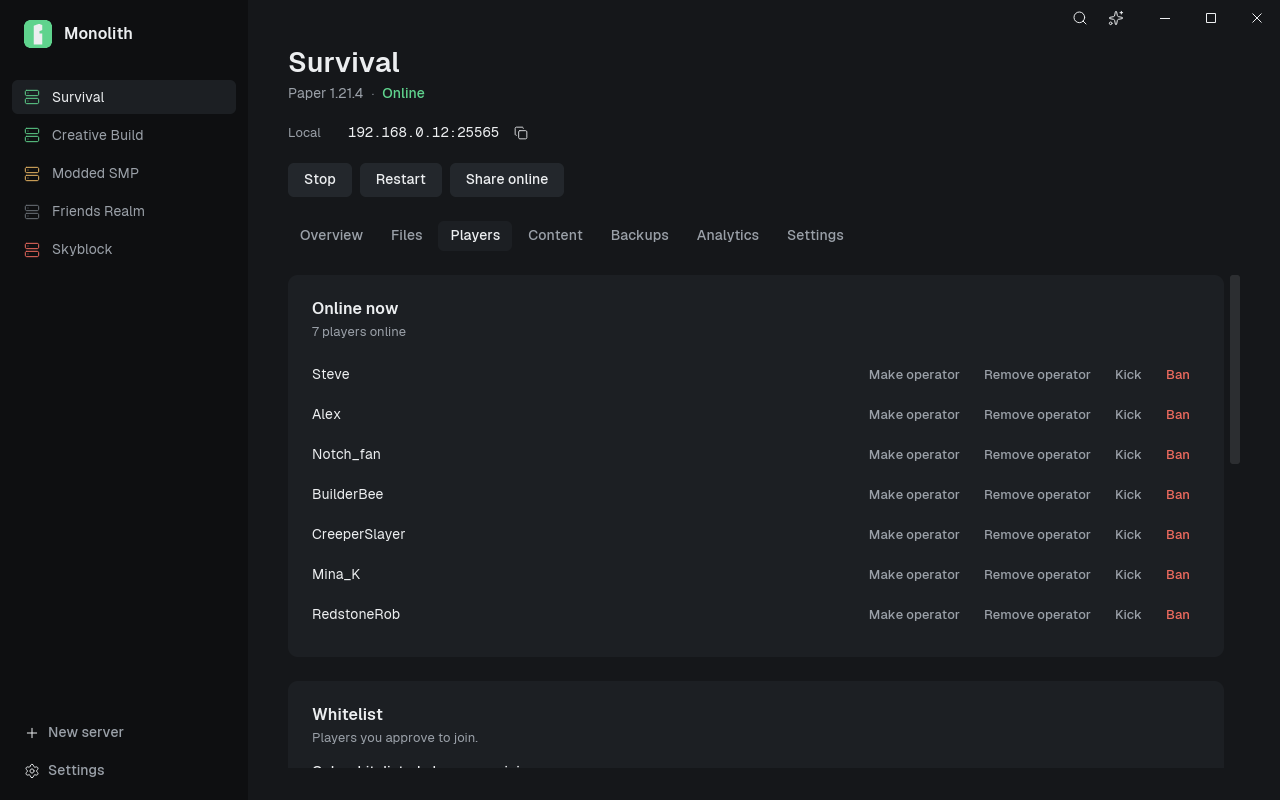
Plugins and mods from Modrinth
Search, install and update without leaving the app. Default plugin groups, like Performance or Skript, let you choose what goes on every new server.
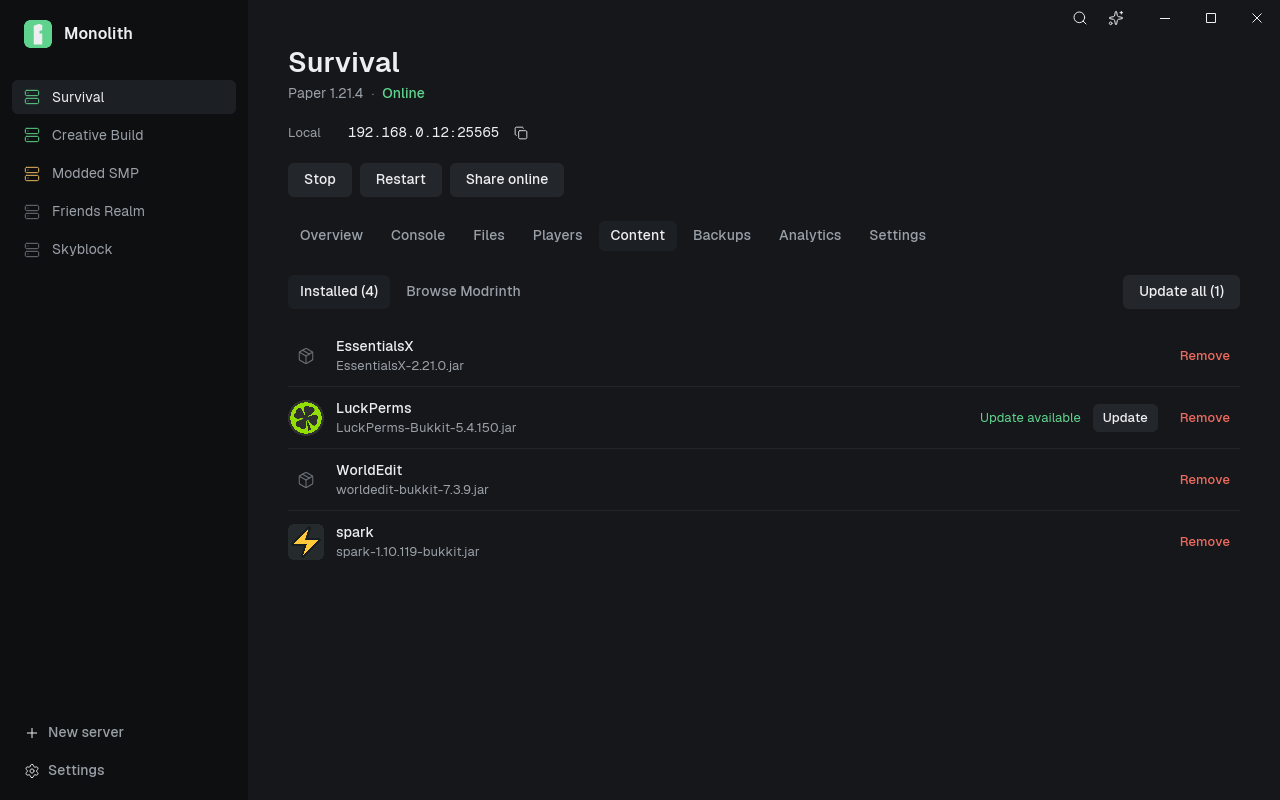
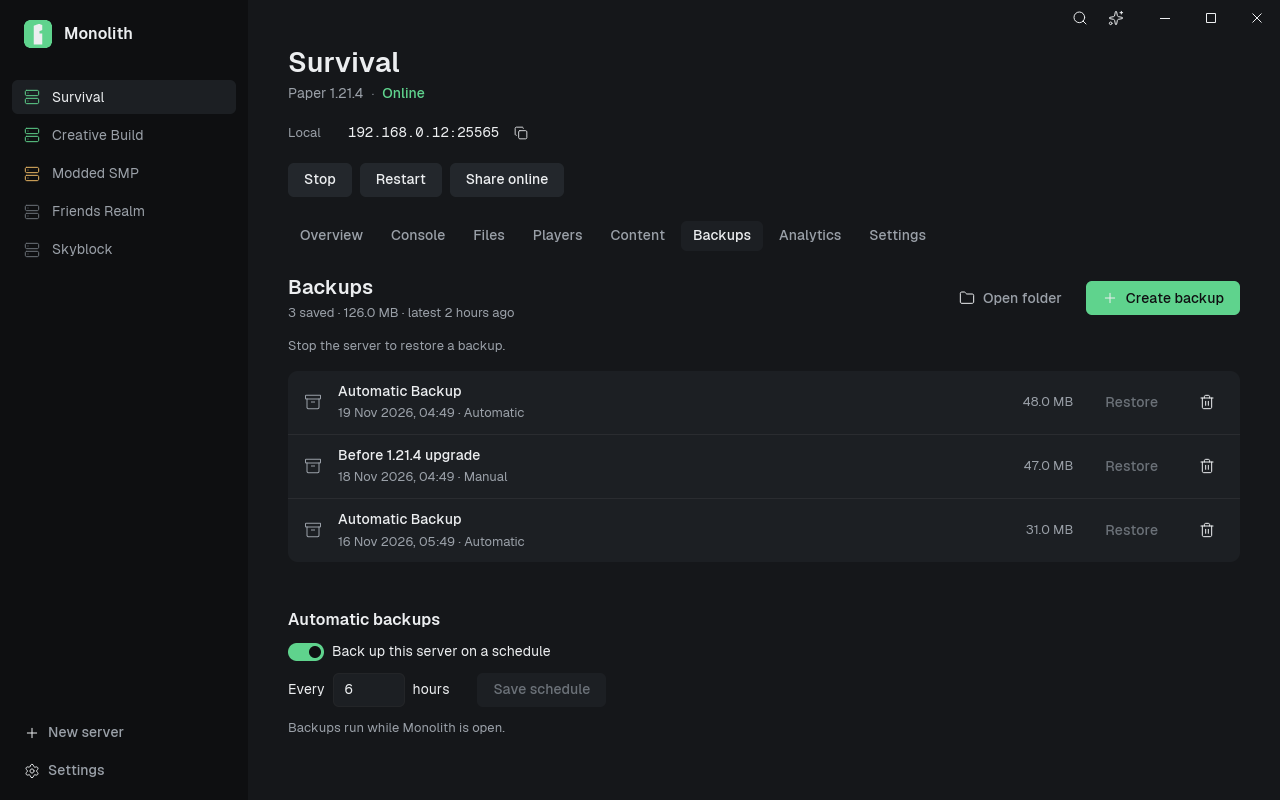
Backups you can trust
One-click backups, backups on a schedule, and restores that wait until the server is stopped so nothing gets corrupted.
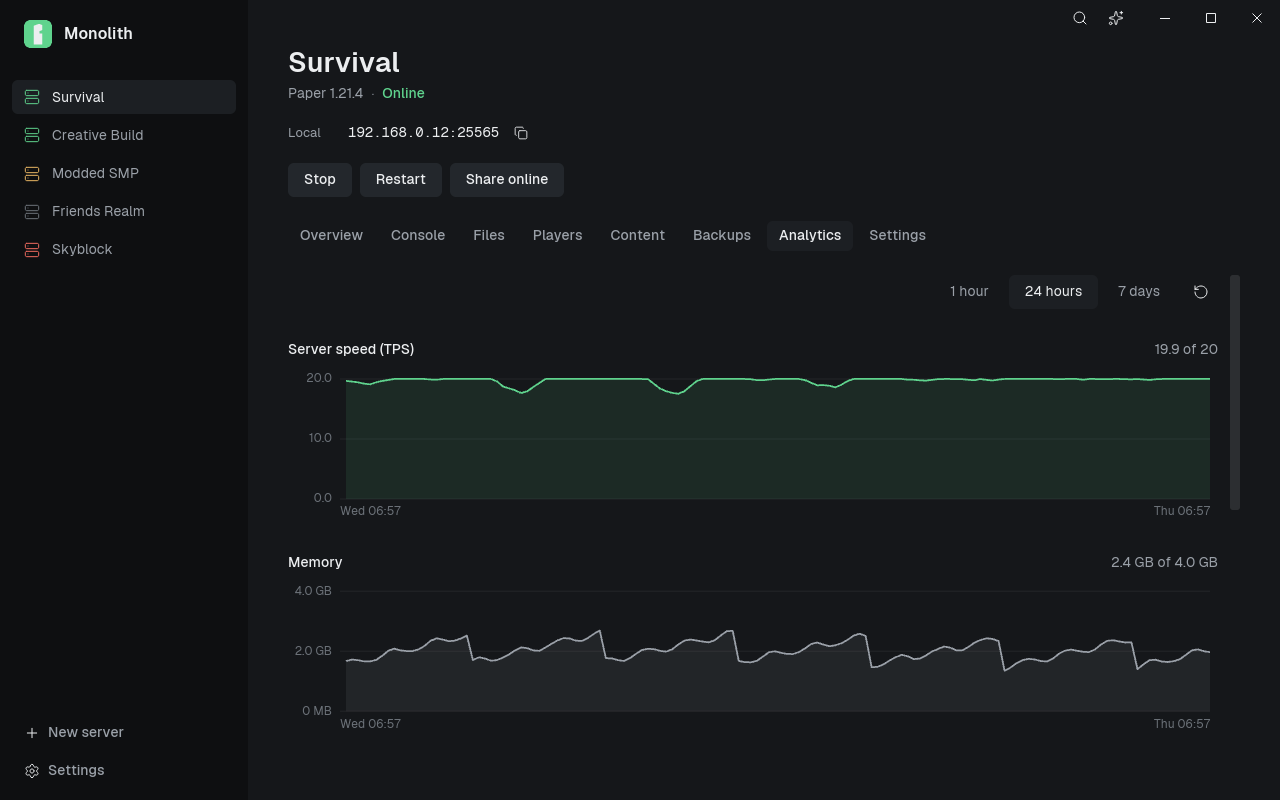
See how the server is doing
The bundled Monolith Analytics plugin charts TPS, memory and players over the last hour, day or week on Paper and Purpur servers.
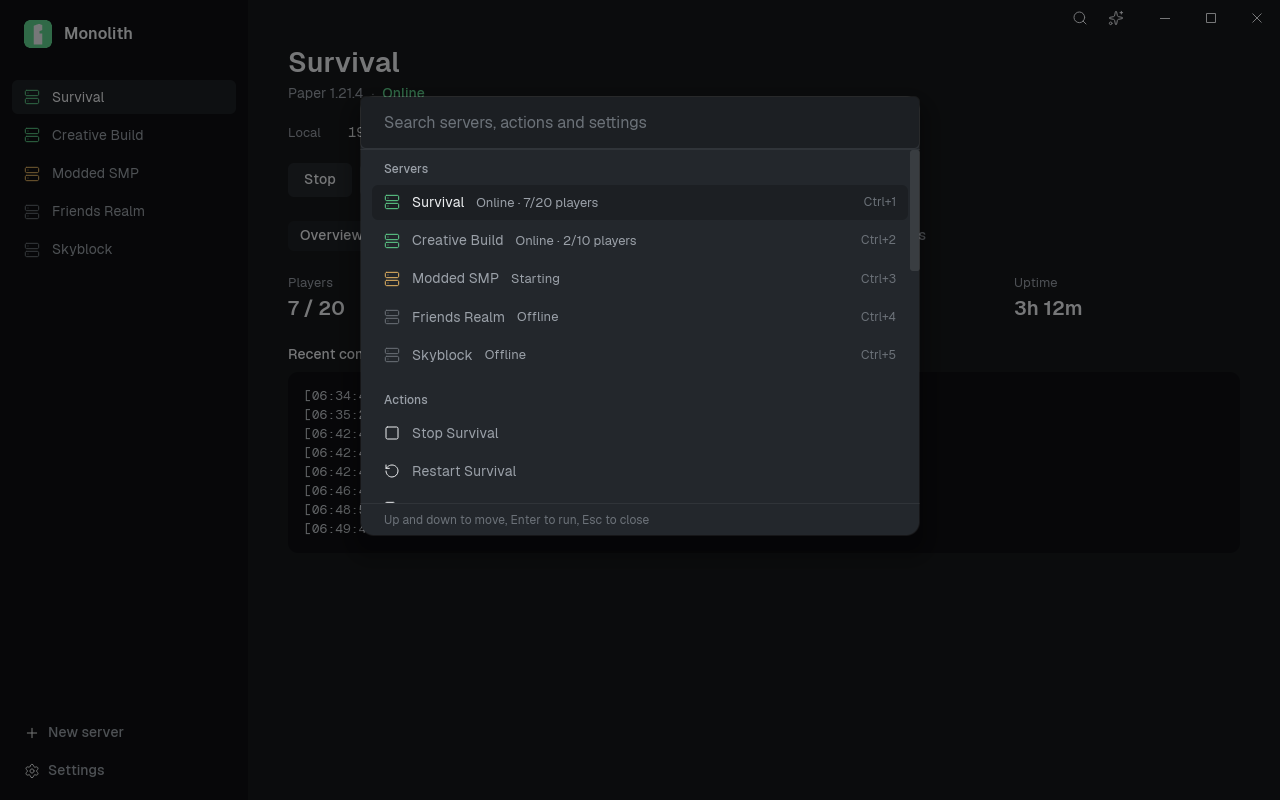
Everything is a keystroke away
Press Ctrl K to jump between servers, start and stop them, or open any setting.
And the parts you'd otherwise do by hand
- Live console
- Colour-coded output fills the Overview, with players, TPS, memory and uptime above it. Scroll back and it stays put.
- Play with friends
- Copy the join address for your network, or turn on sharing to get a public address through ngrok.
- Settings without config files
- Common server.properties options as plain controls, plus a raw editor, whitelist, ban list and file browser.
- Stays up
- Restarts after a crash, schedules daily restarts with in-game warnings, and fixes port conflicts in one click.
- Native and light
- Written in Rust. No browser runtime, so it opens instantly and leaves memory for your server.
- Optional assistant
- Bring your own OpenAI-compatible key. It suggests changes, and nothing runs until you confirm the exact command or edit.
From download to a joinable server
- Install. Download the setup file and run it. It installs for your user only.
- Create. Open Monolith, choose Create your first server, then press Start and accept the EULA once.
- Invite. Copy the join address and send it to your friends. For anyone outside your network, press Share.